

MSI Cubi Mini PCs
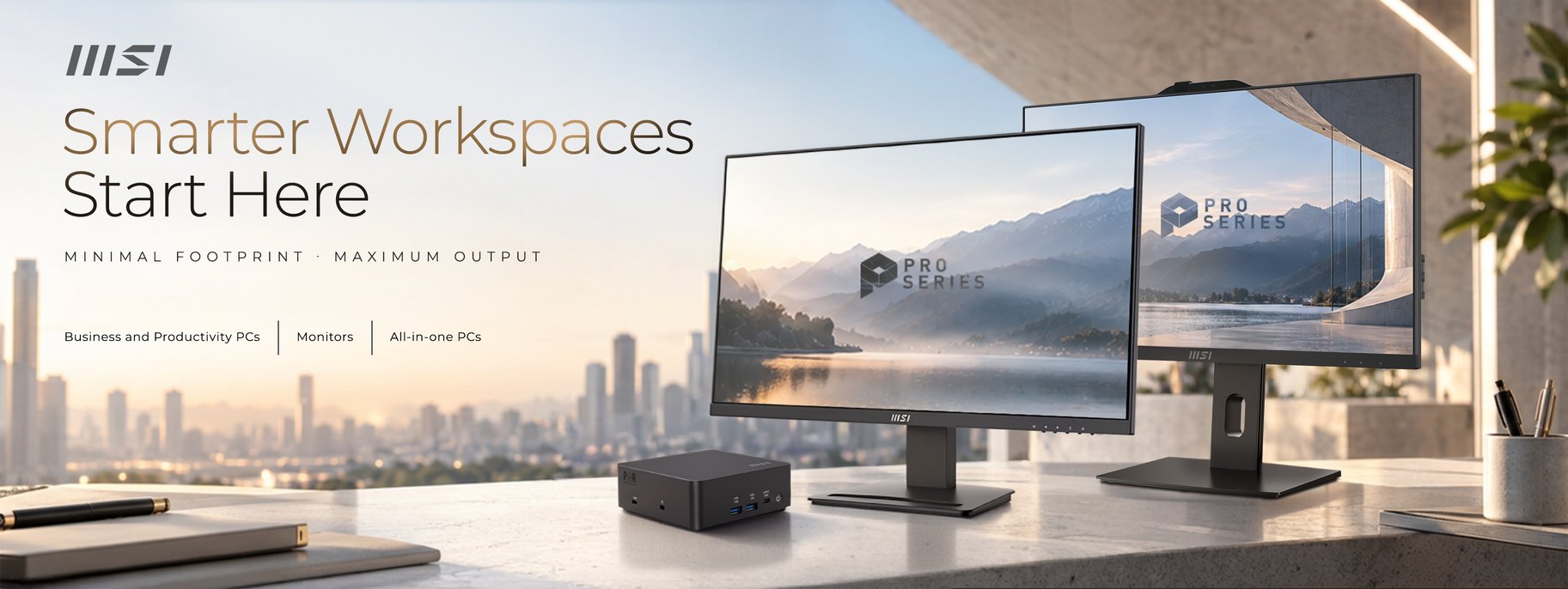
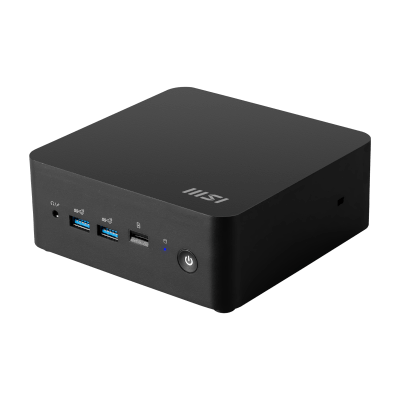
MSI Cubi NUC 1M Mini PC
Windows 11 Home Intel 150U / Intel 120U / Intel 100U Intel Graphics 16GB DDR5 4800MT/s Kingston 500GB PCIe 4.0 NVMe WD Green MSI Cubi NUC 1M Mini PC Chassis
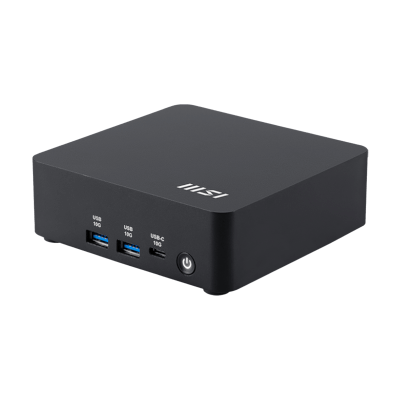
MSI Cubi NUC AI 1UMG Mini PC
Windows 11 Home Intel Core Ultra 7 155H / Intel Core Ultra 5 125H Intel Graphics 16GB DDR5 4800MT/s Kingston 500GB PCIe 4.0 NVMe WD Green MSI Cubi NUC AI 1UMG Mini PC Chassis
0 Review
Estimated dispatch date: Wednesday, 4/11/2026
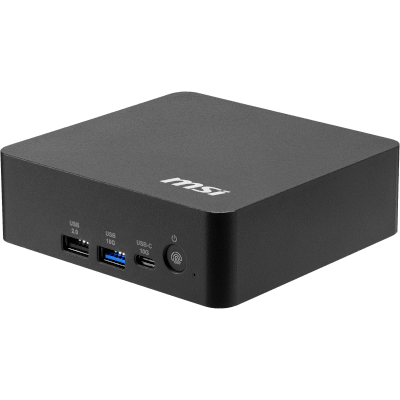
MSI Cubi NUC AI Plus 3MG Mini PC
Windows 11 Home For Copilot+ Intel 386H / Intel 355 / Intel 322 NVIDIA Blackwell Architecture 16GB DDR5 4800MT/s Kingston 500GB PCIe 4.0 NVMe WD Green MSI Cubi NUC AI Plus 3MG Mini PC Chassis
0 Review
Estimated dispatch date: Wednesday, 4/11/2026

Mini PC
Bring it home when you need without any inconvenience that it can be your mini PC and your portable storage device.
Up to 8K
MSI Cubi PCs allow you to enjoy the best experience of watching movies with your family or attending online conference calls while working from home in high resolution.
Brings Thunderbolt to USB-C
Thunderbolt™ 4* brings Thunderbolt to USB-C at speeds up to 40 Gbps, creating one compact port that does it all - delivering the fastest, most versatile connection to any dock, display, or data device & NAS.
Embracing a wide array of interface compatibility so that you can edit, collaborate and share seamlessly.
Up to 40Gbps Data Transmission Speed, 10GbE LAN Speed *With Thunderbolt to 10GbE Switch, Supports USB-C protocols.
*Actual features may vary by configuration.
A Three Monitor Preview
A Cubi mini PC allows you to easily run a three monitor setup at your desk, allowing a more efficient setup for video editing, watching movies or office work.
Mountable to a Monitor
An MSI Cubi PC is designed with a mini size and supports standard VESA-mount. Mount the Mini PC to the back of a monitor and make the PC completely invisible.
Energy-Efficient Design
MSI Cubi PCs have an excellent thermal design and low noise fan, resulting in low noise levels helping you stay focused and distraction-free.
Stable & Powerful
Equips up to a 12th Gen Intel® Core™ i7 processor with 10 cores and 12 threads, delivering computing capability and keeping you in the flow, wherever you go. Also, enjoy a more detailed, immersive viewing experience with Intel® Iris® Xe Graphics.
MSI Center
The MSI Center takes optimisation to the next level with easily adjustable system modes; it helps to prioritise & allocate the resource on your hand to accelerate the performance of those software which you work with everyday.
MSI Cloud Center
Fast, secure, and wireless backup & download between your PC and mobile devices. Transfer files, photos, videos, and more between your PC, Android, and iOS device faster and easier than a cabled connection. You can make these files accessible to your family or team members, or you can also make files as private as you want. The decision is in your hands.
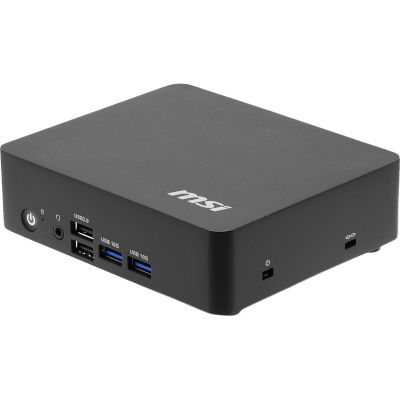
MSI Cubi NUC TWG Mini PC
Windows 11 Home Intel N250 Intel Graphics 16GB DDR5 4800MT/s Kingston 500GB PCIe 4.0 NVMe WD Green MSI Cubi NUC TWG Mini PC Chassis
0 Review
Estimated dispatch date: Wednesday, 4/11/2026
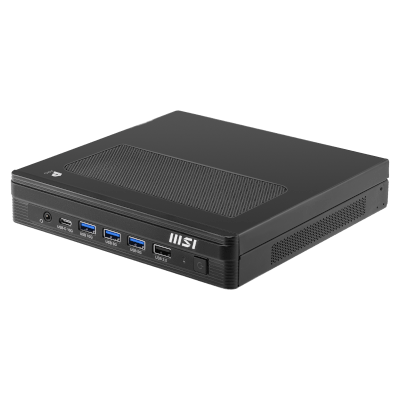
MSI Pro DP10 A14MG Mini PC
Windows 11 Home Intel 14700 / Intel 14400 Intel Graphics 16GB DDR5 4800MT/s Kingston 500GB PCIe 4.0 NVMe WD Green MSI Pro DP10 A14MG Mini PC Chassis
0 Review
Estimated dispatch date: Wednesday, 4/11/2026
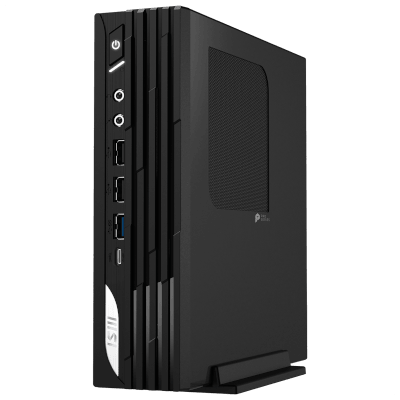
MSI Pro DP21 14M Mini PC
Windows 11 Home Intel 14700 / Intel 14400 Intel Graphics 16GB DDR5 4800MT/s Kingston 500GB PCIe 4.0 NVMe WD Green MSI Pro DP21 14M Mini PC Chassis
0 Review
Estimated dispatch date: Wednesday, 4/11/2026
Frequently Asked Questions
What is the MSI Cubi?
The MSI Cubi is a NUC-style mini PC, a fully functional desktop built into a chassis small enough to sit in the palm of your hand or mount out of sight behind a monitor. It uses highly efficient Intel processors with integrated graphics, which is why it runs almost silently and draws very little power. It is built for office work, media, digital signage and home use rather than gaming.
What is an MSI Cubi used for?
The MSI Cubi suits any environment where desk space, noise and power consumption matter more than raw performance. Common uses include home office and hybrid working, reception desks and meeting rooms, classrooms, retail and digital signage, and as a media machine connected to a TV. The VESA mount and near-silent operation of a MSI Cubi make it well suited to shared and customer-facing spaces where a full tower would be intrusive.
Can an MSI Cubi handle gaming?
The MSI Cubi uses Intel integrated graphics rather than a dedicated graphics card, meaning it could handle lightweight and older titles, browser games and emulation, but it is not built for modern gaming. Esports titles at low settings and 1080p are realistically the ceiling. If gaming is your main use, a mini PC with a graphics card, such as a small form factor PC, which will give you desktop-level performance in a chassis that is still far smaller than a full tower.
How many monitors can an MSI Cubi support?
The MSI Cubi supports multi-monitor setups, with Thunderbolt 4 alongside its standard display outputs allowing several screens to run from a single compact system. Exact display counts and maximum resolutions may vary by configuration, so always check the specification of the model you are considering. Thunderbolt 4 also carries up to 40Gbps of data, so one cable can drive a dock, display and storage together.
Can you upgrade an MSI Cubi?
Memory and storage are upgradeable on the MSI Cubi, which uses standard SODIMM memory and M.2 NVMe storage, allowing both to be increased later. The processor and graphics are integrated into the board and cannot be changed, which generally applies to all NUC-style mini PCs. If long-term upgradeability matters, a small form factor PC gives you a far longer path, as the graphics card, processor and cooling can all be replaced.