

Streaming PCs
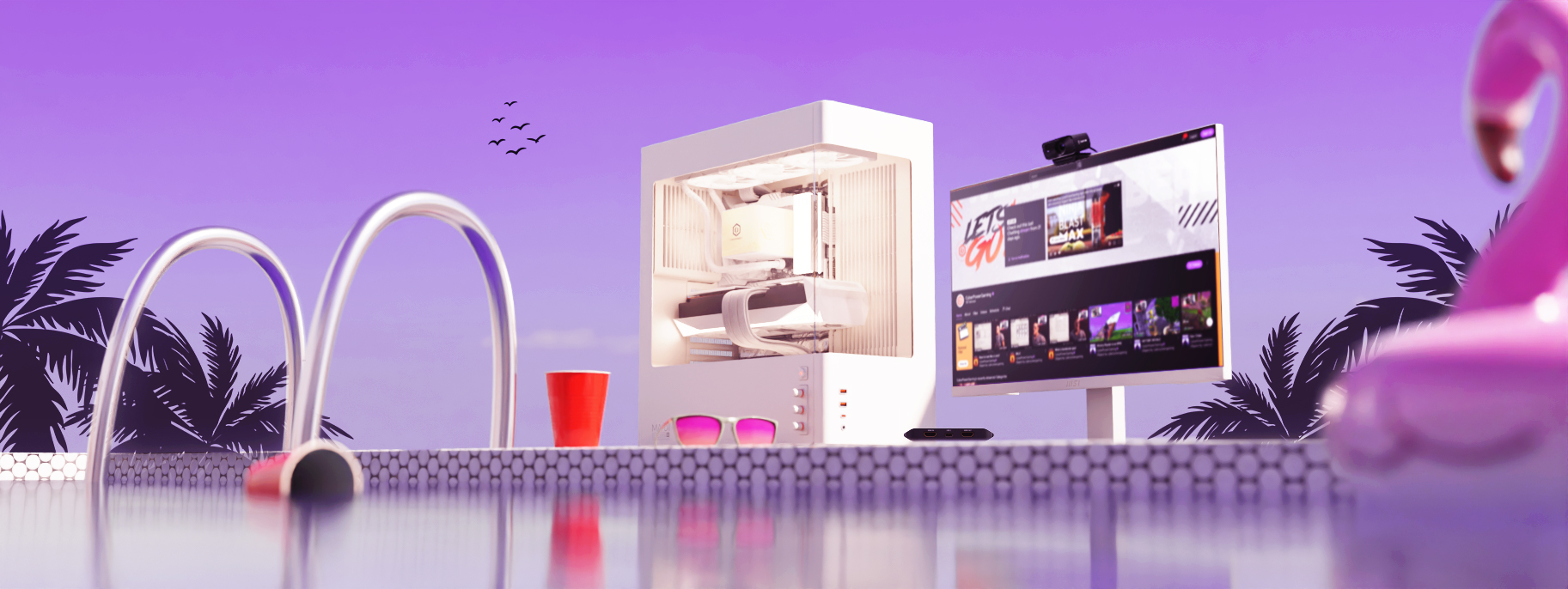
Your Stream. Your Audience. Your PC.
GTA 6 launches on 19 November 2026 for PlayStation 5 and Xbox Series X|S. To stream it, you connect your console to a capture card and a streaming PC, which handles your overlays, alerts, chat, and encoding while the console runs the game. That gives you full control over your stream, which you cannot do when streaming directly from your console.
Streaming is now for everyone, from gamers and creators to anyone sharing and connecting online, whether that is on Twitch, YouTube, Kick, TikTok, Facebook Gaming, or Rumble. To stand out from the sea of other streamers, you need a PC built for performance. CyberPowerPC UK builds custom streaming PCs that combine gaming hardware with the encoding performance streaming requires, so that your stream is consistently smooth and your audience stays engaged. Whether you are a pro streamer or just starting your streaming journey, our team can help you build the right setup. Choose one of our streaming systems below, or configure your own.
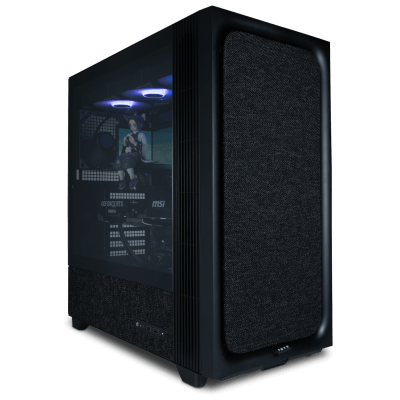
Streamer Infinity Streaming PC
Windows 11 Home Intel® Core™ i5-12400F NVIDIA® GeForce RTX™ 5060 Ti 8GB 32GB DDR5 6000MT/s Klevv GIGABYTE Z790 Eagle AX 1TB PCIe 4.0 NVMe ADATA
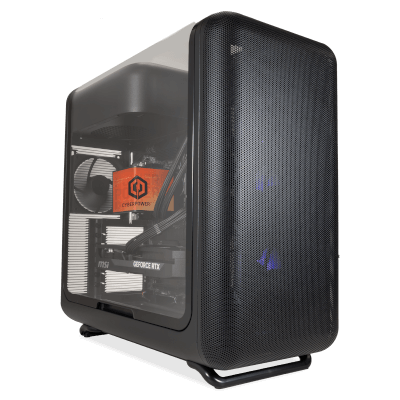
Streamer Ultra Streaming PC
Windows 11 Home AMD Ryzen™ 7 8700F NVIDIA® GeForce RTX™ 5060 Ti 8GB 32GB DDR5 6000MT/s Klevv GIGABYTE B850 Gaming WIFI6 1TB PCIe 4.0 NVMe ADATA
Estimated dispatch date: Wednesday, 4/11/2026
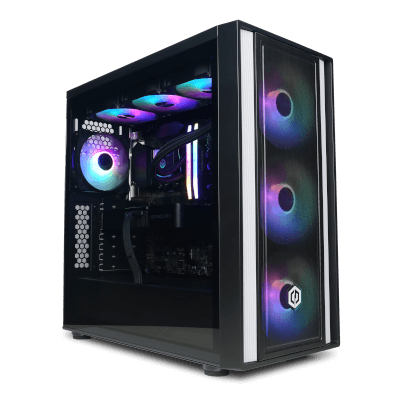
Streamer Infinity Pro Streaming PC
Windows 11 Home Intel® Core™ i7-14700KF NVIDIA® GeForce RTX™ 5070 12GB 32GB DDR5 6000MT/s Klevv GIGABYTE Z790 Eagle AX 1TB PCIe 4.0 NVMe ADATA
Estimated dispatch date: Wednesday, 4/11/2026
Streamer Ultra Pro Streaming PC
Windows 11 Home AMD Ryzen™ 7 9800X3D NVIDIA® GeForce RTX™ 5070 12GB 32GB DDR5 6000MT/s Klevv GIGABYTE B850 Gaming WIFI6 1TB PCIe 4.0 NVMe ADATA
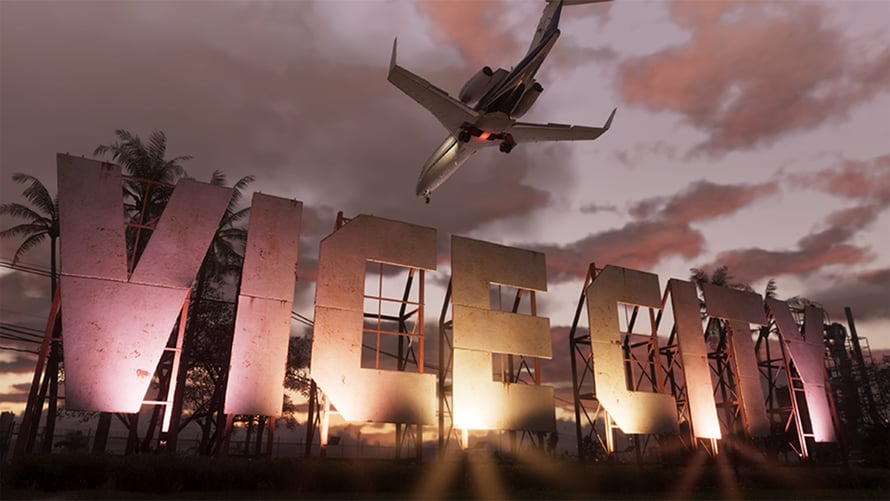
Thinking of Streaming GTA 6?
GTA 6 is expected to be the biggest entertainment release in years, and millions of people will be watching as well as playing. GTA 6 launches on 19 November 2026 for PlayStation 5 and Xbox Series X|S, and Rockstar hasn’t announced a PC version yet, with many speculating the PC release date to be late 2027, if not later, which means creators who want to stream it at launch will be capturing console gameplay through a PC.
This setup is not a compromise. It is how professional streamers have worked for many years. Your console runs the game exactly as intended while your PC handles the overlay, alerts, facecam, chat, encoding, and recording, with neither system competing with the other for resources.
You do not need a professional studio or a large following to start. At its simplest, you need something to play on, a PC capable of handling your stream, a capture card, streaming software, a microphone, and a platform to stream to. And when a PC version does arrive, the same machine runs it, meaning nothing you buy would become redundant.
The Basics
Here is what you need to go live, plus a few extras if you are specifically planning to stream GTA 6.
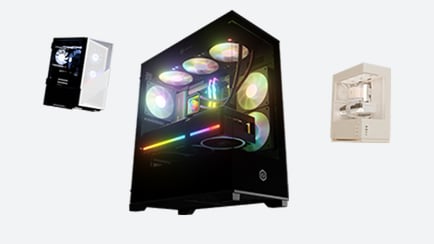
When your console renders the game, your PC's job is encoding. Encoding runs on a dedicated hardware encoder, not the graphics cores, meaning a mid-range NVIDIA GeForce RTX or AMD Radeon card is enough, and your budget is better spent on the processor and memory that run OBS, chat, alerts, and browser sources. A current six or eight-core processor with 32GB of RAM handles a console stream comfortably. If you like PC gaming as well as consoles, the graphics card becomes a priority again.
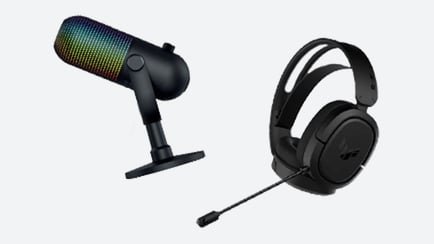
Audio matters far more than many new streamers may expect. Viewers can be quick to forgive an average webcam, but are far more likely to leave over bad audio. A decent microphone is one of the highest-impact purchases you can make to assist your stream quality. A reliable headset allows you to stay immersed in the game, as well as communicate with your teammates, or other players, while your audience can hear your voice and commentary clearly over the gameplay.
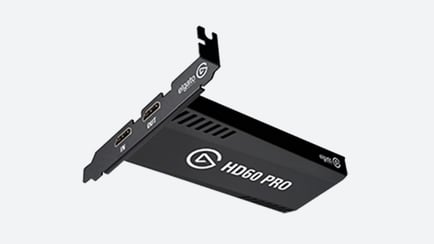
A capture card takes the video as well as the audio from your console and makes it available to your PC streaming software (such as OBS or Streamlabs), where you add your microphone, webcam, overlays, and alerts. Always check the passthrough specification when choosing one, which determines what resolution and refresh rate reaches your screen, so a capture card that only passes 4K at 60Hz will limit your game display, even though your stream is unaffected.
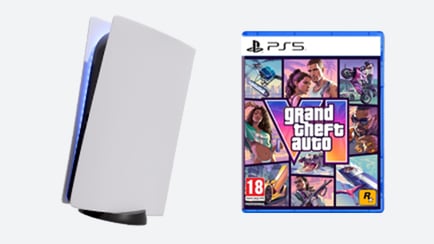
GTA 6 officially launches on PlayStation 5 and Xbox Series X|S on 19 November 2026. Pre-load for begins on 12 November, which is only available to digital pre-order holders of the game. Having your console to play the game on, digital pre-order for the game and CyberPowerPC UK streaming PC ready for launch day means you could be in Vice City, having fun and creating content from the moment it unlocks. Our support team is available to help you choose the best streaming PC for your needs.
Getting Started
Streaming doesn’t need to be complicated. With the right setup, anyone can go live. In this quick video guide, we walk you through the essentials, from choosing the right PC and gear to setting up your software and hitting that first "Go Live" button. Whether you are streaming games, chatting with friends, or building your community, this video will help you take that first step with confidence.
In this video you will learn:
• Why start streaming?
• Finding the right PC
• Essential Streaming gear
• Software and Platforms
• First steps to going live
Get The Right Gear, Here!
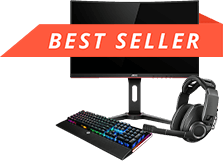
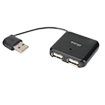
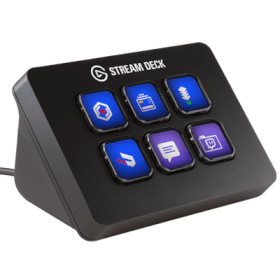
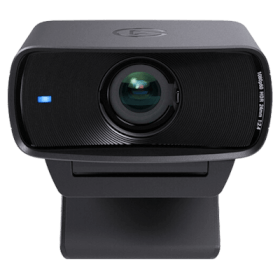
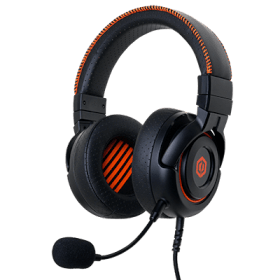
The right streaming PC is only part of the story. If you are capturing a console, the capture card is what makes the setup possible, and the specification of your capture card decides what reaches both your audience and your own screen. As well as that, a clear microphone/headset and a good monitor are the difference between a typical stream and a professional one. Many streamers also add a second monitor to their setup, for chat and OBS. Often, this second monitor is rotated vertically, which displays far more of a chat window than a landscape screen. CyberPowerPC UK has everything you need to complete your streaming setup and take your broadcasts to the next level.







Content Creation:
Finding the best PC or laptop for editing is essential for anyone working with high-resolution photos or video content. Editing PCs and laptops are specially… Editing Laptop
How to Start Streaming
Want to start streaming on Twitch? It's a great platform for sharing your passions, connecting with audiences, and even turning your hobbies into lucrative careers… Start Streaming
Gaming PC Budget Guide
If you're looking for the best gaming PC within your budget, you're in the right place. Whether you're diving into the latest AAA titles or streaming… Gaming PC Budget Guide
Frequently Asked Questions
What do I need to stream GTA 6?
To stream GTA 6 live, you need a PlayStation 5 or Xbox Series X|S with a copy of the game, a capture card, a streaming PC, streaming software such as OBS Studio or Streamlabs, and a good-quality microphone or headset. A webcam is optional, but can make a stream more personal to an audience. The capture card sends your console's video and audio to the PC, where you add overlays, alerts, and your camera before streaming.
Can you stream GTA 6 on PC?
GTA 6 launches on 19 November 2026 for PlayStation 5 and Xbox Series X|S, and Rockstar hasn’t announced a PC version yet. You can still stream the game through a PC by connecting your console to a capture card, which lets the PC handle overlays, alerts, chat, and encoding while your console runs the game. This allows for a considerably better stream than streaming from the console directly.
Do I need a PC to stream GTA 6 from a console?
Both PlayStation and Xbox can broadcast at up to 1080p60, so the difference isn’t the picture quality. What you lose is production control: no custom overlays, no follower or subscriber alerts, no scene switching, and no way to mix in extra audio sources. Xbox's built-in option is also Twitch-only, so you cannot go live to YouTube or Kick using it. If you are building a channel rather than just streaming casually, that control is what separates a functional stream from a professional one.
Do I need a capture card to stream GTA 6?
Yes, if you want your console gameplay to reach your PC. A capture card takes the HDMI signal from the console, passes it through to your TV or monitor so you play with no added delay, and makes the video and audio available to streaming software. PS5 owners need to switch HDCP off under Settings, System, HDMI first, or the card will only show a black screen until turned off. Xbox doesn’t require this change.
What PC specification do I need to stream from a capture card?
Less than you would need to stream PC games, as the console is still the one rendering. Encoding runs on a dedicated hardware encoder that is broadly identical across a GPU generation, so a modern mid-range NVIDIA GeForce RTX or AMD Radeon card performs as well as a flagship. A current six or eight-core processor and 32GB of memory should be the priority, which is what OBS, chat, alerts, and browser sources actually load, as well as a 2TB NVMe SSD if you record locally. Higher-tier cards carry more encoder units, which only matters if you are encoding multiple streams at once or recording locally at high resolution while you stream.
Can I use one PC for gaming and streaming?
Yes. A sufficiently powerful gaming PC can handle both, using hardware encoding so the stream runs on dedicated silicon rather than competing with the game. The compromise, however, is that demanding titles at the highest settings leave less headroom, which is where dropped frames can appear. For GTA 6 on console, this isn’t an issue, as your console would run the game and your PC is free to handle the stream entirely.
Is a dual PC streaming setup worth it?
A dual PC setup separates gaming from streaming, meaning the encoding, alerts, and chat never compete with your game for resources. It is worth it if you like to stream demanding titles at the highest settings, or if you have had frame drops when overlays fire. A console paired with a streaming PC is a similar setup, as the console is the gaming system and the PC handles the production side, which is why it works so well for console-exclusive titles.
How do I set up my PC to stream on Twitch?
Install OBS Studio and connect your Twitch account, then add your sources: game capture or your capture card for console games, as well as your microphone and webcam. Set the encoder to hardware NVENC on NVIDIA or the equivalent on AMD rather than software x264, and then match your resolution, frame rate, and bitrate to your platform's limits and your upload speed. Before officially going live, test your setup with Twitch Inspector, which lets you send a test stream to Twitch and check bitrate stability, without the livestream appearing on your channel. Recording locally in OBS first is also a good way to check your scenes, audio levels, and encoder settings.
Why is my stream dropping frames?
Dropped frames are typically due to one of three causes:
● Encoding overload means your settings exceed what the PC can physically process, which can be resolved by switching to hardware encoding or lowering output resolution.
● Network dropped frames mean your bitrate exceeds your reliable upload speed, so reduce it and use an ethernet connection instead of Wi-Fi.
● Rendering lag means the game itself is starved of resources, which is the problem a capture card or dual setup removes completely.
What internet speed do I need for streaming?
A 1080p60 stream usually runs at around 6,000 kbps, so you ideally need meaningfully more upload than that; 10 Mbps of stable upload gives comfortable headroom. Running right at your connection's ceiling is what causes dropped frames. A wired Ethernet connection is strongly recommended over Wi-Fi, as consistency matters more than peak speed and a brief drop would show as stuttering to your audience. Check your platform's current recommended bitrate, as these can change.