
Last updated:
A simulator PC is built for games that model real systems in real time, which makes them behave differently to other PC games. Racing, flight, farming, trucking and management simulation games all lean much harder on the CPU than a typical FPS shooter does, and some barely even touch the graphics card at all. Here is what people actually use them for, and what each one needs
What makes a simulator PC different from a gaming PC?
The difference is where the work happens. In most games, the graphics card draws the scene and the processor keeps up. In simulator games, the processor is continuously calculating physics, weather, traffic, terrain, economies or flight dynamics, and the graphics card is often waiting on it.
That is why sim-game players often mention being “CPU bound” far more than other gamers. Microsoft Flight Simulator 2024, for example, runs its main simulation loop largely on one or two threads, which is why a 32-core workstation processor does not meaningfully beat a fast eight-core chip in that game. The same applies in iRacing with a full grid, or Cities: Skylines II with a large city.
Therefore, a simulator PC places more of its budget towards single-thread processor performance and cache, whereas a standard gaming PC weighs it towards the GPU.
Racing and driving simulators
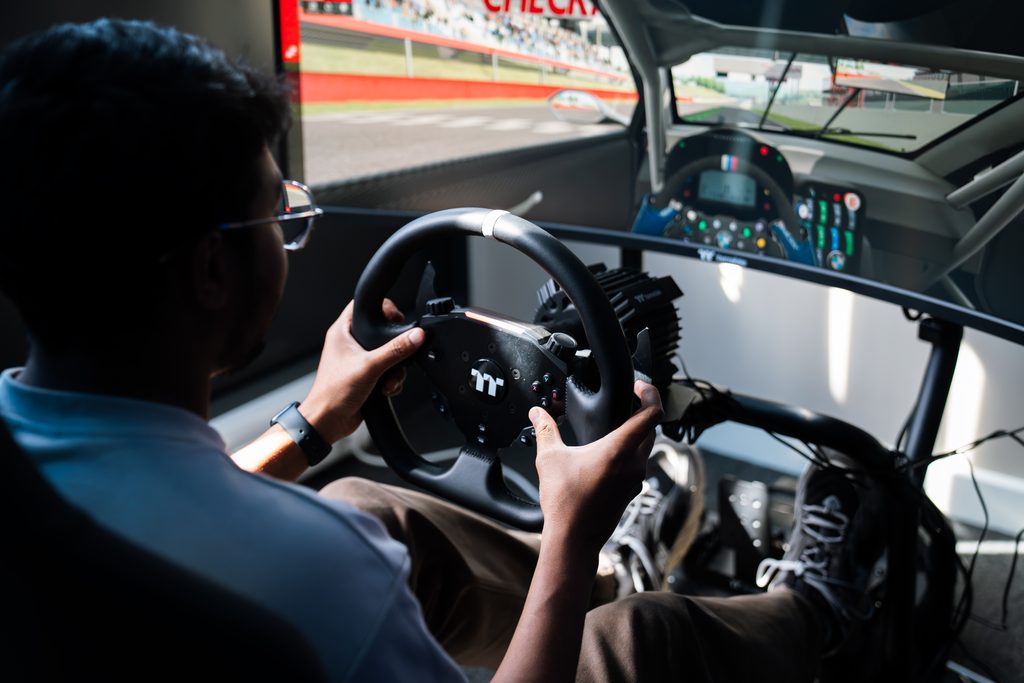
The most popular use, and the one most people picture. Games such as iRacing, Assetto Corsa Competizione, Automobilista 2, Le Mans Ultimate and rFactor 2 calculate the tire temperature, suspension load, fuel burn and aerodynamics continuously, and they do it whilst also rendering twenty or more cars.
What matters here:
- PU First: Grid sizes are what break frame rates, and that load is on the CPU. AMD’s X3D chips lead in sim racing thanks to their large cache.
- Consistency over peak frame rate: A drop in frames just before a corner can cost lap time in a way an average FPS figure never shows.
- Display setup affects the GPU requirement: A single 1440p screen is modest. Triple screens or VR multiply the pixel count and shift the demand purely onto the graphics card.
- The rig matters as much as the PC: A drive wheel directly bolted to a desk flexes and loses feedback detail, which is why dedicated driving cockpits exist.
Our Thermaltake racing simulators include a simulator PC as well as the cockpit together, which removes the compatibility guesswork of buying the two separately.
Flight simulators
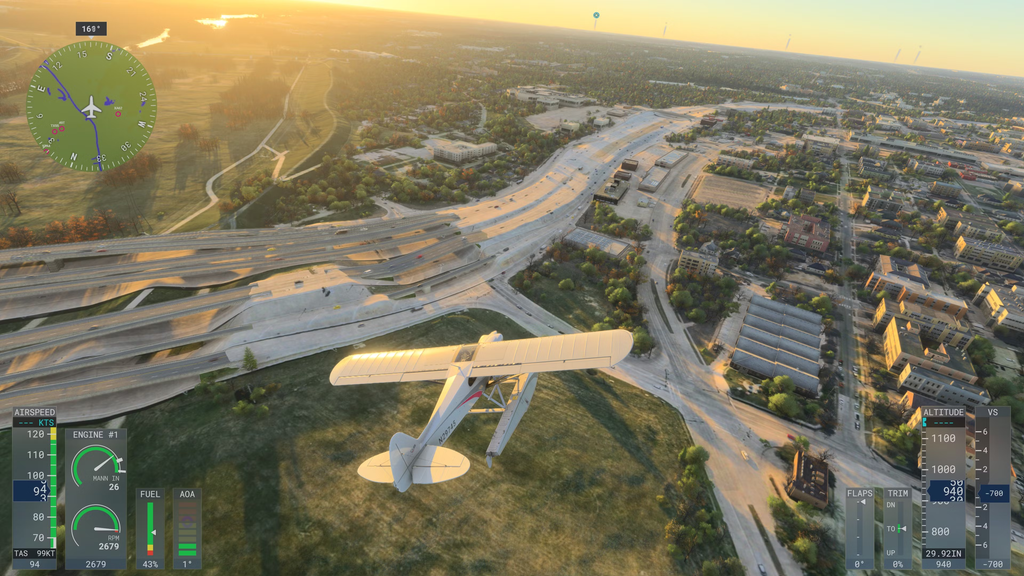
This is in fact the most hardware-demanding game category on this list. Microsoft Flight Simulator 2024 streams terrain, satellite imagery and live weather from the cloud while simulating aircraft systems, and it is widely considered the hardest title to run smoothly on PC.
What matters here:
- Single-thread CPU performance above all: Dense airports, complex glass cockpits, live traffic and high terrain detail all load the main thread.
- 32GB of memory as a sensible target, with Microsoft’s own ideal tier recommending 64GB of memory.
- Your internet connection is part of the spec: MSFS 2024 recommends 50Mbps and lists 100Mbps as ideal, which is unusual for a PC game and tends to catch people out.
- A fast NVMe SSD, as the sim is constantly decompressing streamed scenery.
Other flight sims place demand differently. DCS World and X-Plane 12 are also very CPU-heavy, while Star Citizen punishes both the CPU and the GPU at once.
Farming, trucking and transport simulators
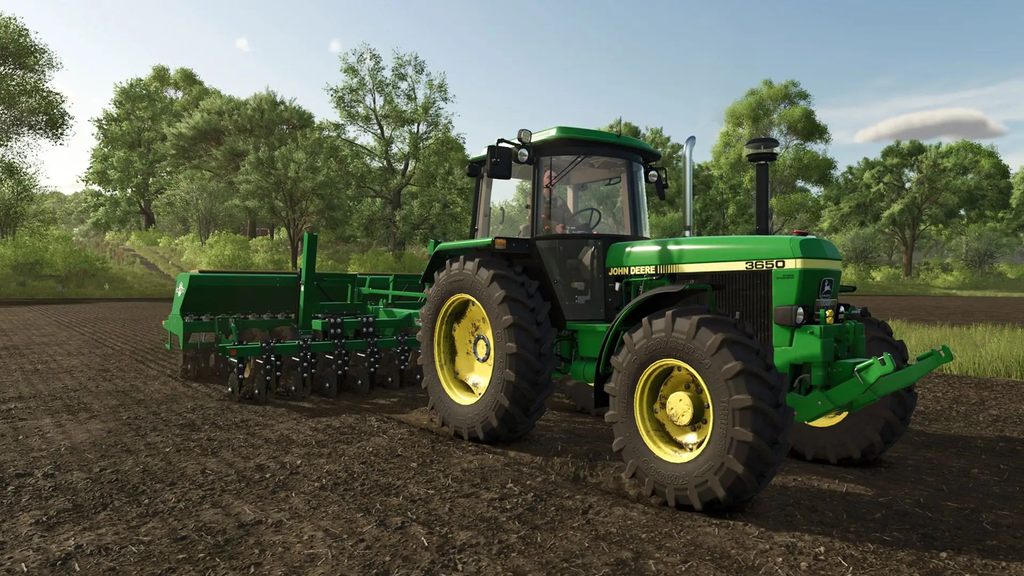
Farming Simulator 25, Euro Truck Simulator 2, American Truck Simulator and Train Sim World sit in a different bracket entirely. They are far less demanding than racing or flight sims, which makes them one of the best entry points into the genre.
What matters here:
- Modest hardware goes a long way. These run comfortably on mid-range systems at 1080p and 1440p.
- Mod support changes the maths. Farming Simulator and Euro Truck both have enormous modding communities, and heavily modded saves increase memory and processor load considerably.
- Peripheral support is the real upgrade. A wheel, shifter and handbrake transform these games far more than a faster graphics card does.
- Long sessions are the norm, so cooling and noise matter more than they might elsewhere.
Management and building simulators
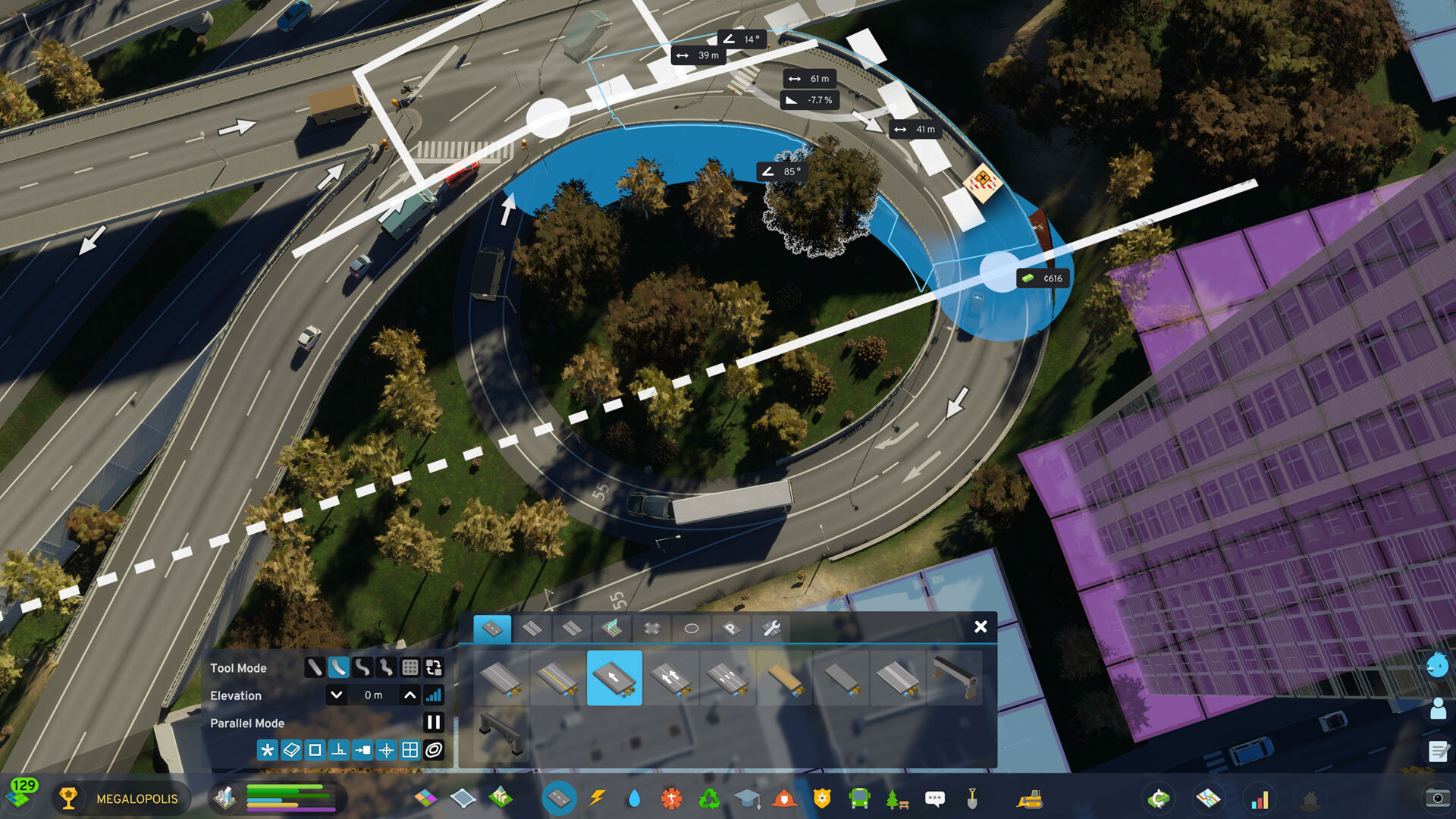
Cities: Skylines II, Planet Coaster 2, Jurassic World Evolution, Factorio, Transport Fever and Anno are simulators in the most true sense; modelling thousands of individual simultaneous agents.
What matters here:
- The CPU is the bottleneck, almost always: Each citizen, vehicle, visitor or item on a conveyor is a calculation.
- Performance degrades as the save grows: A city that ran smoothly at 50,000 residents may struggle at 200,000, which standard benchmarks tend not to show.
- Memory capacity matters, especially in late-game saves and heavily modded setups.
- Graphics demands are modest by comparison, as these are usually played zoomed out.
Cosy and life simulators

Not every simulator requires serious hardware. PowerWash Simulator, Stardew Valley, House Flipper, Animal Crossing-style life sims and the long tail of job simulators run well on entry-level systems.
What matters here:
- Almost any current system handles these, including mini PCs and laptops.
- They are often a gateway: Plenty of people buy a PC for cosy sims and later upgrade and move into racing or flight.
- Choose with upgrades in mind: A machine on a current socket with a decent power supply can take a better graphics card later without starting again.
Space and combat simulators

Elite Dangerous, Star Citizen, X4: Foundations, War Thunder and DCS World sit right between the two extremes, with large simulated worlds as well as demanding visuals.
What matters here:
- Both CPU and GPU are loaded, unlike most other sim genres.
- VR is popular in this category, especially for Elite Dangerous and DCS, which raises the GPU requirement by a lot.
- Multi-monitor and head tracking are common, adding even further demand.
Simulators outside gaming
Simulation hardware is not only bought for entertainment. Driving instructors, flight schools, engineering firms and universities often have the same systems for training, and the requirements are stricter rather than looser.
What matters here:
- Reliability over peak performance, as these machines tend to run continuously for long sessions.
- Consistent specification across multiple units, so every trainee gets the exact same experience.
- Support and warranty terms matter more than they do for a home setup.
The CyberPowerPC UK business and education team can quote for multiple identical systems and staged roll-outs.
Do you need VR or triple monitors?
Neither VR or triple monitors are required for a setup, but both change the hardware equation significantly.
- Triple screens give the peripheral vision that makes car placement and spatial awareness far easier and more realistic, and they roughly triple the pixels your GPU renders.
- VR gives the strongest sense of depth and scale, which is why it is popular in flight and space sims, and it is the most demanding option of all.
- Frame rate consistency becomes critical in VR: Frames below the headset’s refresh rate produce judder that many users may experience as motion sickness.
- A single ultrawide is a sensible middle ground, offering extra horizontal vision without the additional GPU demand.
If VR is your goal, our VR ready PCs are specified with the graphics headroom to run two high-resolution images at a stable frame rate.
What specification do you actually need?
It depends completely on which of the simulation games above that you actually play.
Entry level, for cosy sims, farming and trucking: a current six-core processor, a mid-range graphics card, 16GB of memory and a 1TB NVMe SSD.
Mid range, for racing sims on a single screen and most management sims: a current X3D or Core Ultra processor, 32GB of memory, and a graphics card matched to your monitor’s resolution.
High end, for flight sims, triple screens or VR: the fastest single-thread processor you can afford, 32GB or more of memory, a high-end graphics card and fast NVMe storage.
The rule across all three: spend on the processor first, then match the graphics card to your display setup rather than the other way round. If you are unsure on where to start, the CyberPowerPC UK support team is readily available via email, call or live chat to assist you select the optimal PC for your requirements.
Where to start
The right simulator PC depends more on which simulators you actually play, rather than your budget. A machine that runs Farming Simulator beautifully may stutter in a full iRacing grid, and a PC with three monitors built for a flight sim is overkill for Stardew Valley.
Our simulator PCs are built around these workloads, or you can configure a custom build around the exact titles you play. If you want to be playing your favourite simulator games this week, our prebuilt systems ship for next working day delivery.
Frequently Asked Questions
Can a normal gaming PC run simulator games?
It can, though how well depends on which simulator game. Farming, trucking and cosy sims run comfortably on any current gaming PC. Racing and flight sims are a different matter, as they lean on single-thread processor performance rather than the GPU, so a gaming PC built around a strong graphics card and a mid-range CPU can under-perform in these titles despite handling demanding shooters easily.
Which simulator games are the most demanding?
Microsoft Flight Simulator 2024 is typically considered to be the most demanding simulator on PC, streaming terrain, satellite imagery and live weather while simulating aircraft systems. Cities: Skylines II is close behind on CPU load in large saves, and DCS World, Star Citizen and iRacing with a full grid all push hardware hard. Farming, trucking and cosy simulators sit at the opposite end and run on modest PCs.
Is the CPU or GPU more important for simulator games?
The CPU matters more in most simulators. Where a typical game has the GPU drawing the scene and the processor keeping up, a simulator has the processor continuously calculating physics, traffic, weather, economies and more, with the GPU typically waiting on it. The exception is your display setup: triple monitors or VR multiply the pixels being rendered and shift that demand back onto the GPU.
How much RAM do I need for simulator games?
16GB should be enough for most farming, trucking, cosy and management sims. Step up to 32GB for racing and flight sims, where Microsoft lists 32GB as recommended for Flight Simulator 2024 and 64GB in its best rated tier. Heavily modded saves in Farming Simulator, Euro Truck or Cities: Skylines II also use up considerably more memory than an unmodded playthrough.
Do I need a wheel or joystick for simulator games?
Not to play, but it changes the experience greatly. Racing and truck sims are designed around a wheel with force feedback, which conveys grip and road surface in a way a controller or keyboard cannot. Flight sims benefit from a joystick or HOTAS setup for the same reason. Farming and management sims play perfectly well with a keyboard and mouse.