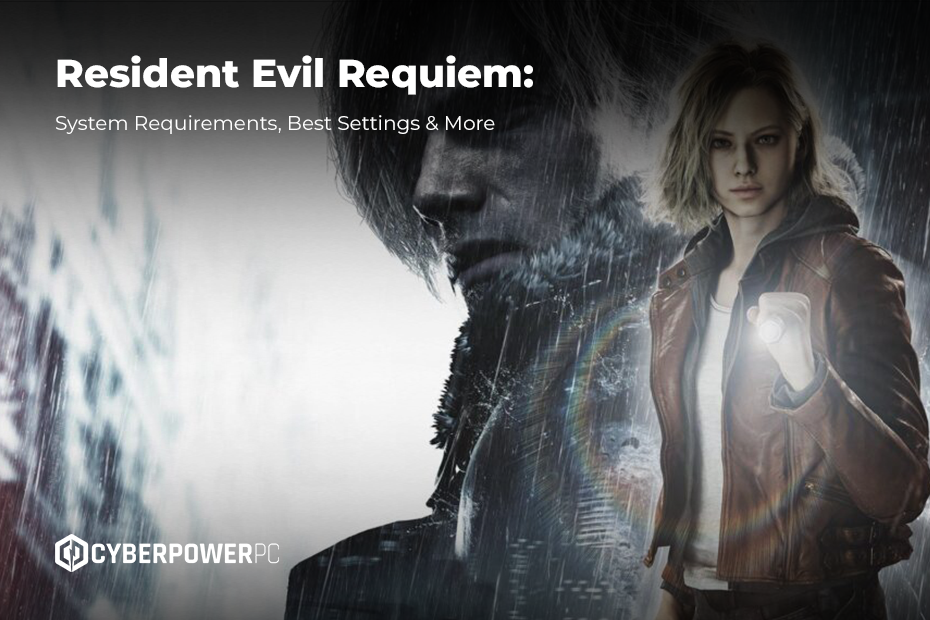
With the launch of Resident Evil: Requiem, players stepped into the next evolution of survival horror from Capcom. Showcasing cutting-edge visuals, dense environmental detail, and modern lighting tech – alongside plenty of Resident Evil’s trademark splatter – the game places heavier demands on hardware than most entries in the three-decade spanning franchise.
Whether you’re exploring the horrors of Racoon City on console or PC, optimising your setup is key to experiencing the atmosphere at its most immersive. Here’s a breakdown of the system requirements, recommended settings, and the best hardware configurations for getting the smoothest (and scariest) playthrough possible.
Table of contents
- About Resident Evil Requiem
- Resident Evil Requiem System Requirements
- Best PC Set-ups for Resident Evil Requiem
- Console Performance
- Best Settings for Resident Evil Requiem
About Resident Evil Requiem
Resident Evil Requiem stands as a modern sequel to one of the most influential long-running horror-survival franchises. Building on the legacy of the originals, this game refines its identity and aligns closely with the tone and direction of recent games, offering longtime fans and newcomers a polished experience with seamless storytelling. No expense was spared in this game’s development, rumoured to be one of CAPCOM’s most expensive titles.
At its core, the game blends survival horror with action-focused gameplay. It maintains the tension, resource management, and atmosphere expected of a typical horror, while incorporating fluid combat mechanics and set-piece encounters that keep the pacing dynamic and engaging. Keep an eye out for storytelling elements which piece together small stories interwoven within the game; you might find out more about the monsters you’ll meet and their weaknesses.
You play as either Grace or Leon throughout the game, and both characters fulfil different demands from the genre, with Grace’s gameplay being more puzzle-based, requiring a more subtle approach. You’ll appreciate the breaks Leon’s gameplay gives you to pew-pew and brute-force your way to the story’s resolution.
Aesthetically, this game is a testament to the developer’s extensive experience in Unreal Engine 5 and making the most of everything it has to offer. Ray tracing has been given a lot of recognition for the incredible visuals on display, but the underlying game visuals are still superb.
From a technical standpoint, the game is far more demanding than earlier Capcom titles. Enhanced lighting systems, more detailed environments, better AI interaction and improved character models contribute to its visual fidelity, but also require more powerful hardware for peak performance compared to previous titles.
Resident Evil Requiem system requirements
So the question on most players’ minds, from the perspective of those who want to maximise graphic quality without sacrificing performance: how can you make the game run? Here are the minimum and optimum system requirements for RER:
Minimum (1080p / low-medium)
- OS: Windows 10 (64-bit) or higher
- CPU: Intel Core i5-8500 or AMD Ryzen 5 3500
- GPU: Nvidia GTX 1060 or AMD Radeon RX 580 (6GB VRAM)
- Memory: 8GB RAM
- Storage: 50 GB available space
Recommended (1440p / high)
- OS: Windows 11 (64-bit)
- CPU: Intel Core i7-8700 / AMD Ryzen 5 5500
- GPU: GeForce RTX 2060 Super 8GB / Radeon RX 6600 8GB
- Memory: 16 GB RAM
- Storage: SSD Required
16GB RAM is plenty to play this game; however, it is always recommended that you opt for higher RAM quantities when choosing for your new build. Whilst lower prices may be appealing, upgrading later may not be optimal when you can’t mix and match components. Find out everything you need to know about RAM so you know what to look for and why.
Best PC set-ups for Resident Evil Requiem
We’ll break down exactly which PC build you’ll need to run this game that matches your budget and performance needs. You can also check out our PC buying guide for more info on choosing the right rig for you.
Entry-level horror build
- Target Resolution: 1080p
- GPU: Nvidia RTX 3060 / AMD RX 6600
- CPU: Intel Core i5-11400F / AMD Ryzen 5 3600
- RAM: 16GB
- Storage: 500GB SSD
Top pick: The Infinity 145 D456 next-day PC. For a current-gen model under £1000, this build exceeds the listed requirements, but will still get you the performance you need on a budget. Plus, with quick dispatch and delivery times, you won’t need to wait long to play.
Mid-range immersive build
- Target Resolution: 1440p
- GPU: Nvidia RTX 5060 Ti / Radeon RX 9070
- CPU: Intel core i7/Ultra 7 / AMD Ryzen 7 9700 x
- RAM: 32GB
- Storage: 500 GB NVME SSD (faster read and write speeds)
Top pick: The Simulator Infinity PC has slightly more storage than recommended, but otherwise hits that mid-range sweet spot.
High-end cinematic build
- Target Resolution: 4k
- GPU: Nvidia RTX 5080 / Radeon RX 9070 XT
- CPU: Intel Core Ultra 9 285k / AMD Ryzen 7 9800 x3D
- RAM: 32 GB
- Storage: 500 GB NVME SSD (faster read and write speeds)
For a DLSS 5-ready machine that’s more than capable of dealing with 4k resolutions, the Infinity U7 5080 next-day PC is the highest-end PC you need. The ICUE Infinity Elite Gaming PC is a more stylish, bespoke option.
Other recommended hardware and accessories
The biggest barriers to hitting that crisp 4k resolution are owning and utilising the right graphics card and having the perfect gaming monitor -if you’re not sure which is best for your setup, read our guide to choosing a gaming monitor. However, to enjoy the full cinematic experience, you’ll also need to ensure you’re doing the boring stuff right, like using DisplayPort over HDMI, ensuring your monitor is plugged into your graphics card rather than your motherboard, and that your cooling system is running at maximum capacity.
For streaming, you’ll benefit greatly from a second monitor to keep an eye on your stream quality and chat whilst playing. You won’t want too much on-screen distraction whilst playing through this artistry.
Console Performance
Resident Evil Requiem runs optimally straight out of the box for consoles, and despite the loss in quality you might see if you don’t have a high-spec PC to run with path tracing, console players still have extremely high praise for the game.
Running Resident Evil Requiem on PS5 and Xbox Series X
- The game runs smoothly at 60 fps in upscaled 4k on Xbox
- Ray tracing is supported on PS5 and delivers the best visual quality.
- Faster load times, thanks to SSD streaming, are noticeable, particularly on the PS5 Pro.
Running Resident Evil Requiem on Xbox Series S
- Runs at 60 FPS in upscaled 1080p with consistent frame rates on both consoles. However, the series S renders at a much lower base resolution of around 720p.
- Some more complex live-rendering capabilities are lost, such as the hair strand system, which is replaced by a simpler system for the series S.
Best settings for Resident Evil Requiem
On a mid-level build, we’d recommend playing with these settings for the best experience when playing Resident Evil Requiem.
- Display Mode: Fullscreen
- Resolution: 1440p (for a good balance between visual quality and performance)
- Texture Quality: High
- Shadows: Medium
- Anti-Aliasing: TAA (Temporal Anti-Aliasing for smoother edges)
- Ray Tracing: Off (for improved performance, unless you have a high-end GPU)
- V-Sync: Off (unless you’re experiencing screen tearing)
- Motion Blur: Off (for a clearer, smoother image)
Experience this game in high definition with the right monitor display on PS5, Xbox or gaming PC. To learn more, contact our customer service line to talk through your build and how to maximise your purchase.