
Last updated:
Borderlands 4 lands on 12 September 2025, bringing a seamless open world on the new planet Kairos, wildly expanded loot, and movement upgrades that crank the chaos to eleven. If you’re asking, “Can my PC run it?”, here’s the quick breakdown of official requirements plus our NVIDIA 50-series recommendations for high-FPS mayhem.
Borderlands 4 Minimum System Requirements
From the store pages and publisher materials, here’s what you’ll need to get started:
OS: Windows 10 / Windows 11
CPU: Intel Core i7-9700 /
RAM: 16 GB
GPU: NVIDIA GeForce RTX 2070
Storage: 100 GB SSD
These will run the game on low–medium settings at 1080p. Playable? Yes. Ideal? Not really.
Steam Store
Epic Games Store
System Requirements Lab
Our Recommended PC Specs (For High FPS & Ultra Settings)
Want Borderlands 4 the way it’s meant to be played, high refresh at 1440p or pushing cinematic 4K? Here’s our go-to:
Recommended Specs for Ultra Settings
CPU: Intel® Core™ i7-14700KF or better
GPU (1440p Ultra): GeForce RTX 5080
GPU (4K Ultra): GeForce RTX 5090
RAM: 32 GB DDR5 6000MHz+
Storage: 2TB NVMe Gen4 SSD
OS: Windows 11 64-bit
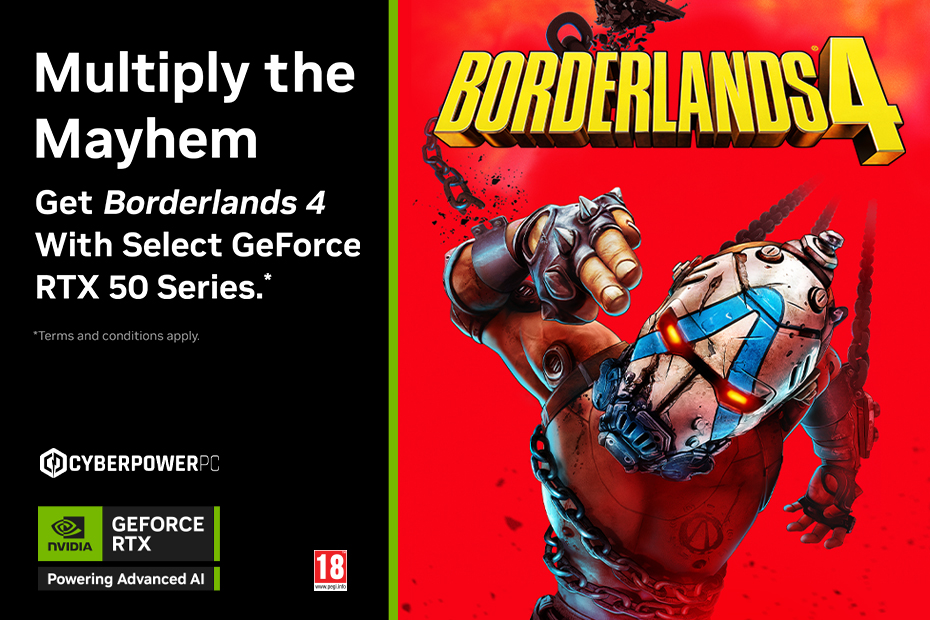
The GeForce RTX 50-series delivers faster ray tracing, DLSS 4 frame generation, and the horsepower to keep frame rates smooth in Borderlands 4’s busiest firefights.
Ready on Day One
If you want smooth, stutter-free chaos, whether you’re chasing legendaries or farming bosses, start with a rig built to handle it. Browse and customise your build at Cyberpower UK and make sure your PC is ready for launch.
Final Thoughts
Borderlands 4 is shaping up to be the most ambitious game yet, and it’ll reward powerful hardware. If your current setup is borderline, now’s the time to upgrade.
Questions about parts or configs? Email support@cyberpowersystem.co.uk or call 0333 323 7776.