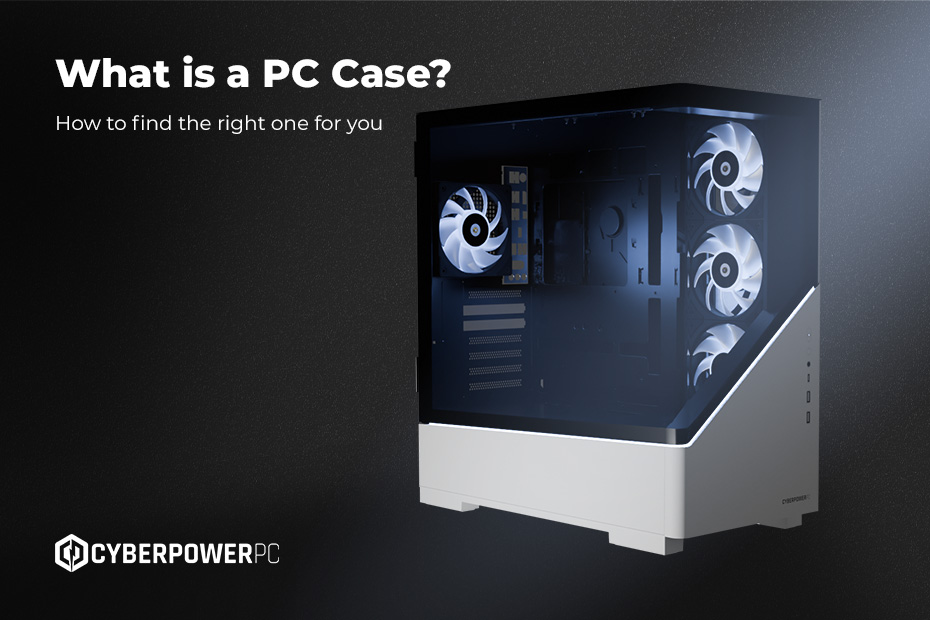
The right PC case for you might seem hard to find when considering your component sizes versus the actual space you have. What do you look for? What materials should your case be made of? Why do you need so many fans? In this guide, we’ll cover all that and more so you can be sure when configuring, building or modifying your PC, you’re making the right decision.
- What is a PC case?
- What kind of PC Cases and Computer Chassis are on the Market?
- Choosing the Right PC Case
- Does It Matter What PC Case You Get?
- What Is the Best PC Case?
- Your PC case care guide
- How to open a PC case
- How to remove glass panels
- How to remove the front panel
- How to clean your PC case
- How to change your PC case
What is a PC case?
A PC case is the home of your vital components and the hardware that makes your machine run. A good case requires proper ventilation to ensure good airflow and a cable management system to support a clean, accessible workspace.
Beyond functional considerations, the right case for you may depend entirely on your aesthetics. Your setup configuration may be clean and minimalist or vibrant and fun-loving. Whatever your preference, the right case for you plays a huge role in your build, containing and protecting your PC’s entire interior.
Full Tower PC Case
These are the giants of the industry. Standing roughly 55-75cm tall, they support the largest motherboards (E-ATX) and are designed for massive custom watercooling loops, multiple graphics cards, or extensive storage arrays. They are overkill for most, but essential for top-tier enthusiasts.
Mid Tower PC Case
The industry standard. These strike the perfect balance between size and compatibility. They fit standard ATX motherboards and most modern graphics cards while fitting comfortably on or under a desk. This is likely the size you need.
The VIVID Series
The Vivid range are specialist colourful PC cases ranging from matcha green and snow white through to strawberry milk pink, offering full ventilation and cable management adaptations. These cases are available in the mid-tower size range for a more colourful, custom option.
Mini and Micro PC Cases
Small Form Factor (SFF) cases are designed for Micro-ATX or Mini-ITX motherboards. They are compact and portable but require careful planning. You often need specific “low profile” components, and building in them can be fiddly due to the tight space.
What kind of PC Cases and Computer Chassis are on the Market?
Not all boxes are created equal. Here are the features that matter in 2026.
Fish tank PC Cases: These have been a fan favourite since home-built PCs became popular. These glass chambers show off your high-end build behind tempered glass, giving a nice, clean look.
- Why choose this case: This case has so much to offer aesthetically, whilst maintaining functionality by separating the heat between the compartments of the system.
- Watercooling Support If you plan to use an AIO (All-in-One) liquid cooler or a custom loop, you need to check radiator support.
- Top vs Front Mount: Good cases allow for top-mounting radiators to exhaust heat upwards.
- Clearance: Ensure the case is deep enough that the radiator fans won’t hit your RAM modules.
- Airflow: Mesh vs Glass
- Mesh: Front panels made of metal mesh allow fans to pull in maximum air. These are best for performance and keeping temperatures low.
- Solid/Glass: Sleek full-glass designs, also known as “fish tanks”, are perfect for showing off components with built-in RGB lighting. These cases feature integrated side vents for full ventilation.
- Tempered Glass Older cases used acrylic windows, which scratched easily. Modern cases use tempered glass. It is scratch-resistant, clearer, and adds a premium weight and feel to the build.
Choosing the Right PC Case
To choose the right PC case, start with your GPU. For example, if you are buying an NVIDIA RTX 5090, you need a case with significant physical clearance. Next, check your cooling; if you want a 360mm radiator, a Mini case is likely out of the question.
To pick the right chassis, follow this hierarchy:
- Motherboard Size: Ensure the case fits your board (ATX, Micro-ATX, etc.).
- GPU Clearance: Check the “Max GPU Length” specification of the case and compare it to your graphics card.
- Cooling Needs: High-end parts run hot. Prioritise mesh fronts and fan capacity for i9 or Ryzen 9 builds.
You can find a vast range of cases through our PC Finder Tool or by exploring our custom PC configurators, where we automatically filter out cases that don’t fit your selected components.
Does It Matter What PC Case You Get?
Absolutely. A poorly designed case can act as an oven (a “hotbox”). If hot air is trapped inside, your CPU and GPU will hit their thermal limits and slow down (throttle) to protect themselves. This means you lose the performance you paid for.
Furthermore, a cheap case often lacks sound-dampening or vibration pads, making your PC rattle and hum. Premium cases from brands like Corsair, Lian Li, or Phanteks are engineered to balance noise suppression with thermal performance.
What Is the Best PC Case?
There is no single “best” case, only the best case for your needs.
- For the Gamer: Look for “High Airflow” models with mesh fronts to keep frame rates high and temps low.
- For the Creator: You might need a case with sound-dampening foam and extra drive bays for hard drive storage.
- For the Workstation: Professional, understated designs with dust filters and reliability are key.
If you are unsure, our Gaming PC and Workstation pages feature cases pre-selected for those specific tasks.
Your PC case care guide
Once you’ve chosen the best PC case for your needs, you’ll want to take good care of it. Here’s how to clean and care for your PC case to increase its lifespan and performance.
How to open a PC case
Most modern cases use thumbscrews on the rear of the side panels. Turn them counter-clockwise, then slide the panel towards the back of the case.
How to remove glass panels
Be careful. Glass is heavy and fragile. Support the bottom of the glass with your hand before removing the final screw to prevent it from dropping. Do not place the glass on ceramic tile floors; the hardness difference can shatter the glass instantly.
How to remove the front panel
This often requires a firm tug from the bottom cutout. It feels like you might break it, but it is usually held on by tension clips. Check your manual first to be sure.
How to clean your PC case
Your PC case is likely made from a few different components. Here’s how to clean each of them safely:
- Dust Filters: Slide them out and rinse with water. Dry completely before replacing.
- Glass: When cleaning glass, make sure to use a microfiber cloth. Avoid using harsh standard glass cleaners as they contain ammonia and can damage anti-glare coatings.
- Interior: Use compressed air. Hold fans still while spraying them; spinning them too fast with compressed air can damage the bearings.
How to change your PC case
Swapping cases is essentially building a PC from scratch. You must remove the GPU, disconnect all cables, and unscrew the motherboard. It is a great time to re-manage your cables, but ensure you have a few hours set aside for the process.
Remember that the case is the home for your hardware. It determines how cool your PC runs, how loud it sounds, and how good it looks on your desk. Don’t treat it as an afterthought: choose the right case carefully, and look after it properlyIf you are ready to start a new build or need help selecting a case that fits your dream specs, check out our Custom PC building services or browse the rest of the blog for more hardware guides.